


SWIVELLE
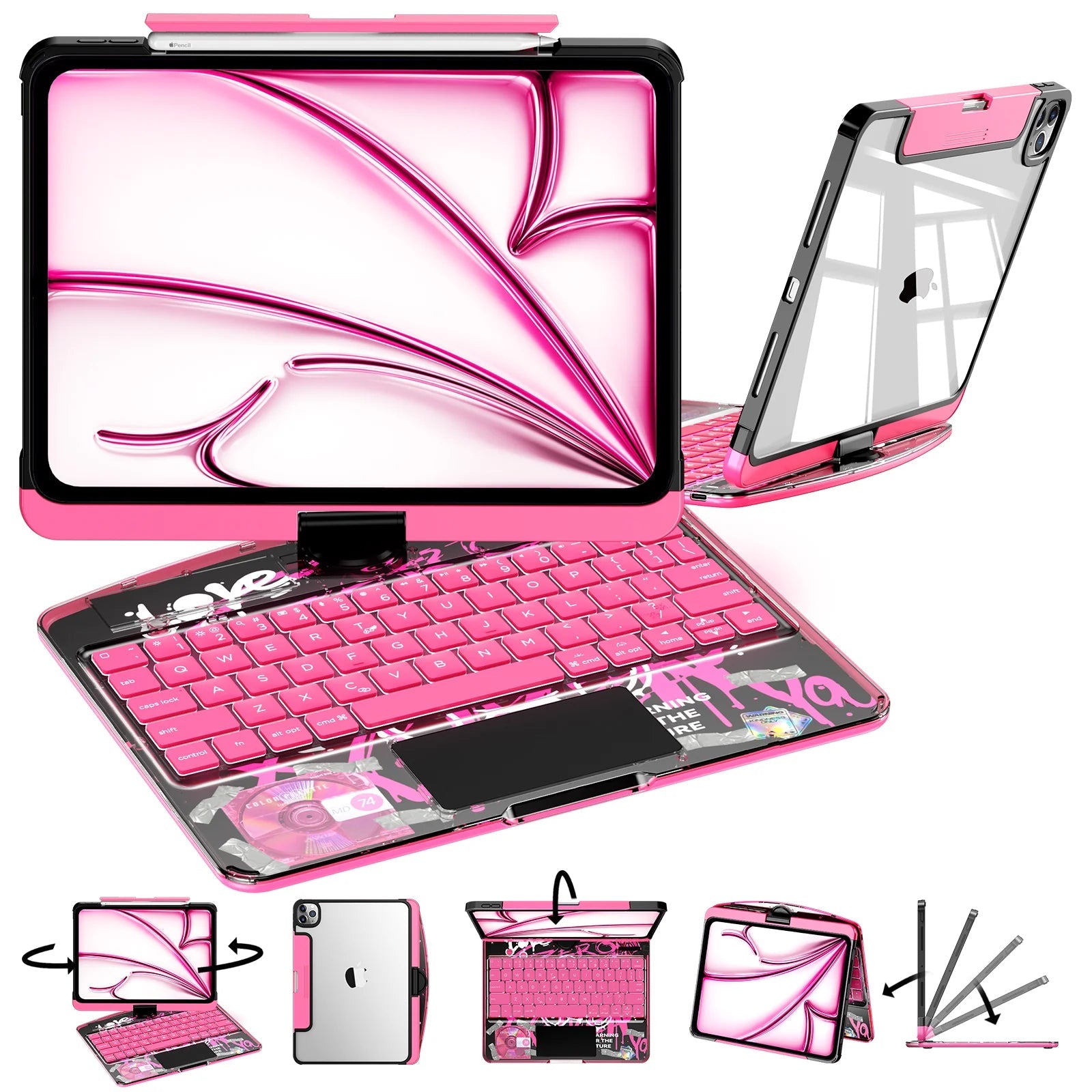
THE 360° KEYBOARD CASE
Turn, type and take your ideas anywhere. A transparent keyboard case designed to make every angle feel effortless.
Transparent Pink / launch finish
MAKE IT YOURS
Choose from 70 color and model combinations. The price and SKU update with the exact finish and iPad size you select.
Swivelle 360° Rotating iPad Keyboard Case
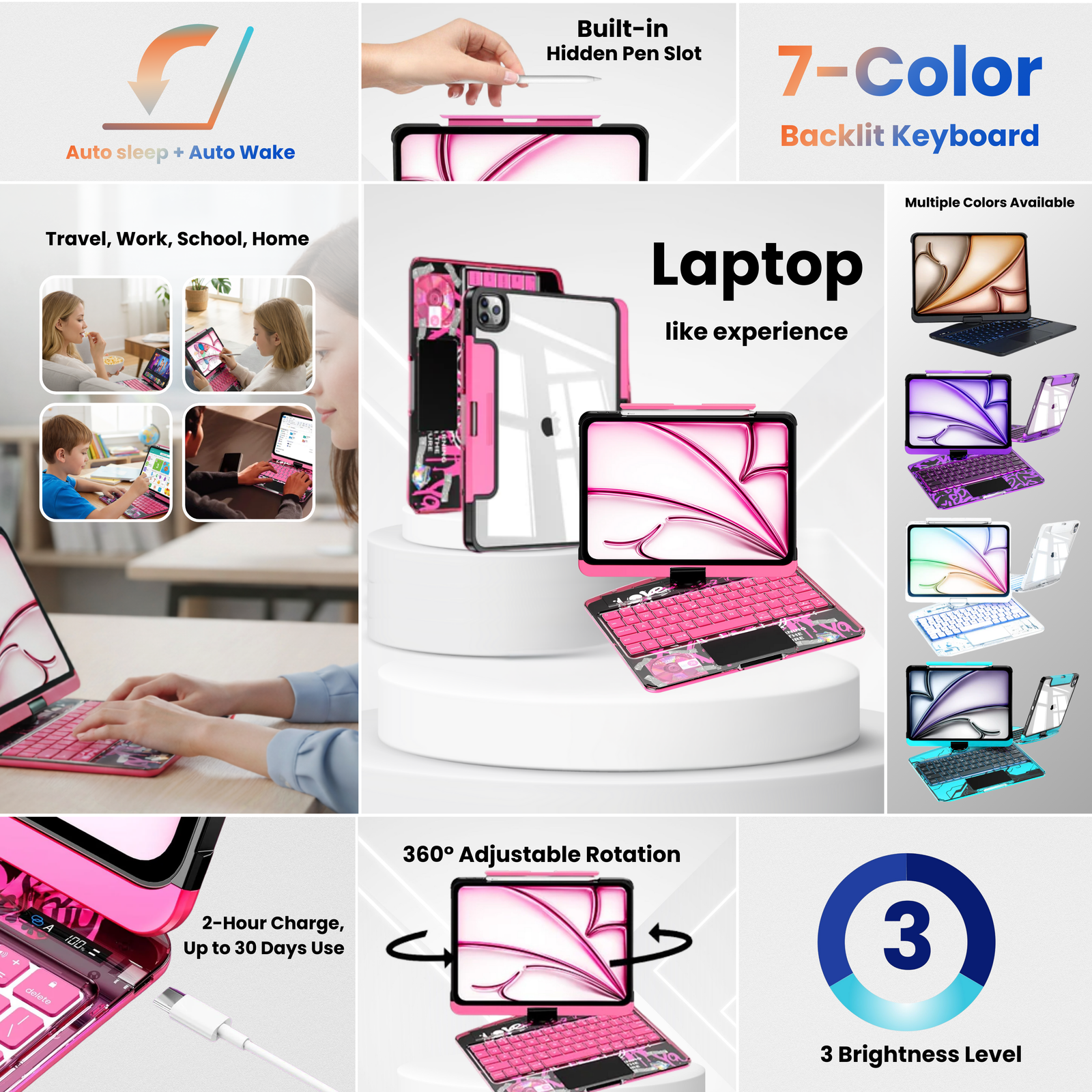
Keyboard · trackpad · protective shellSEVEN SIGNATURE FINISHES
Explore every finish before choosing your exact iPad model. Each color opens the matching product variant and SKU.
LOOK CLOSER
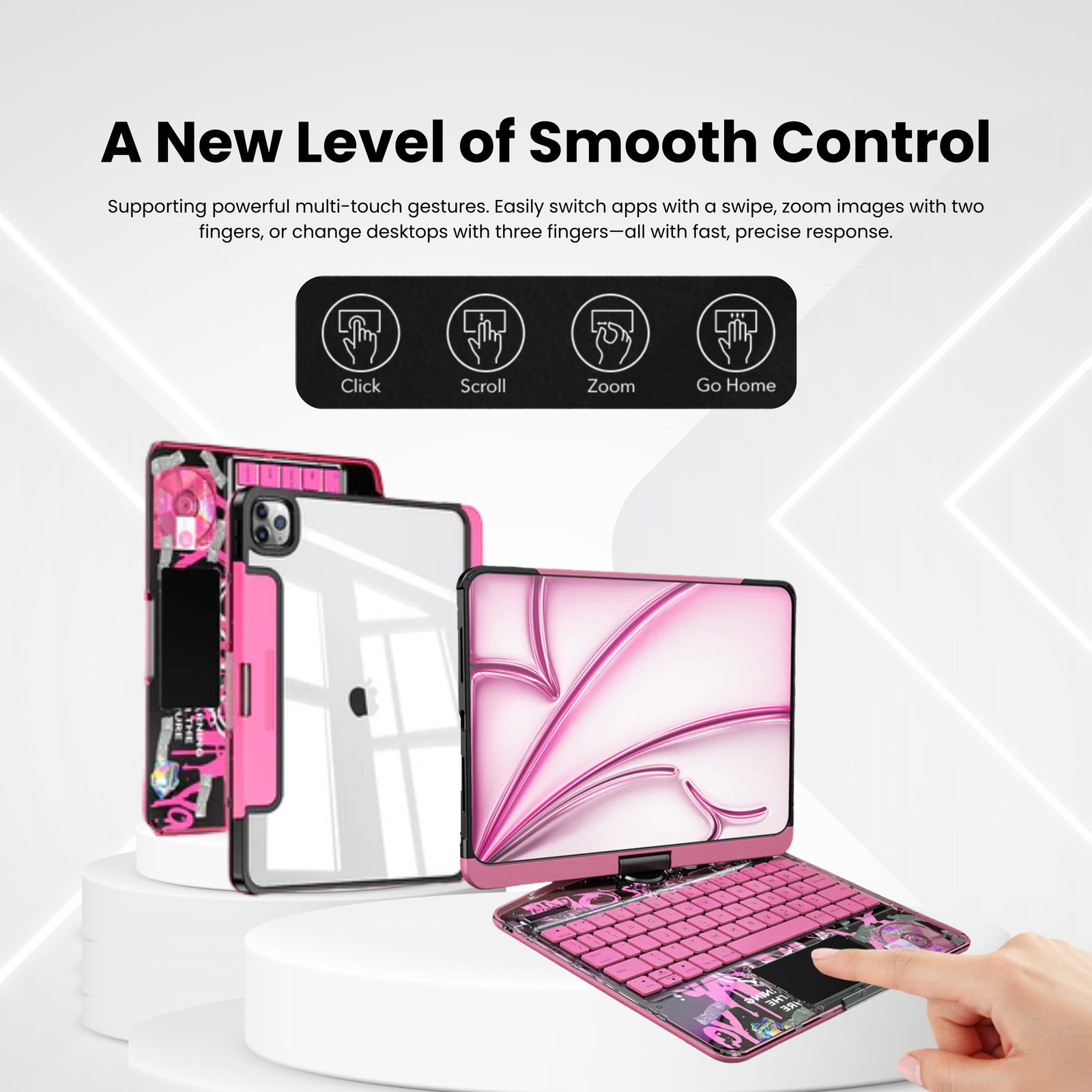
A clean transparent finish, a rotating center hinge and the tools your everyday setup actually needs.
THE FULL 360
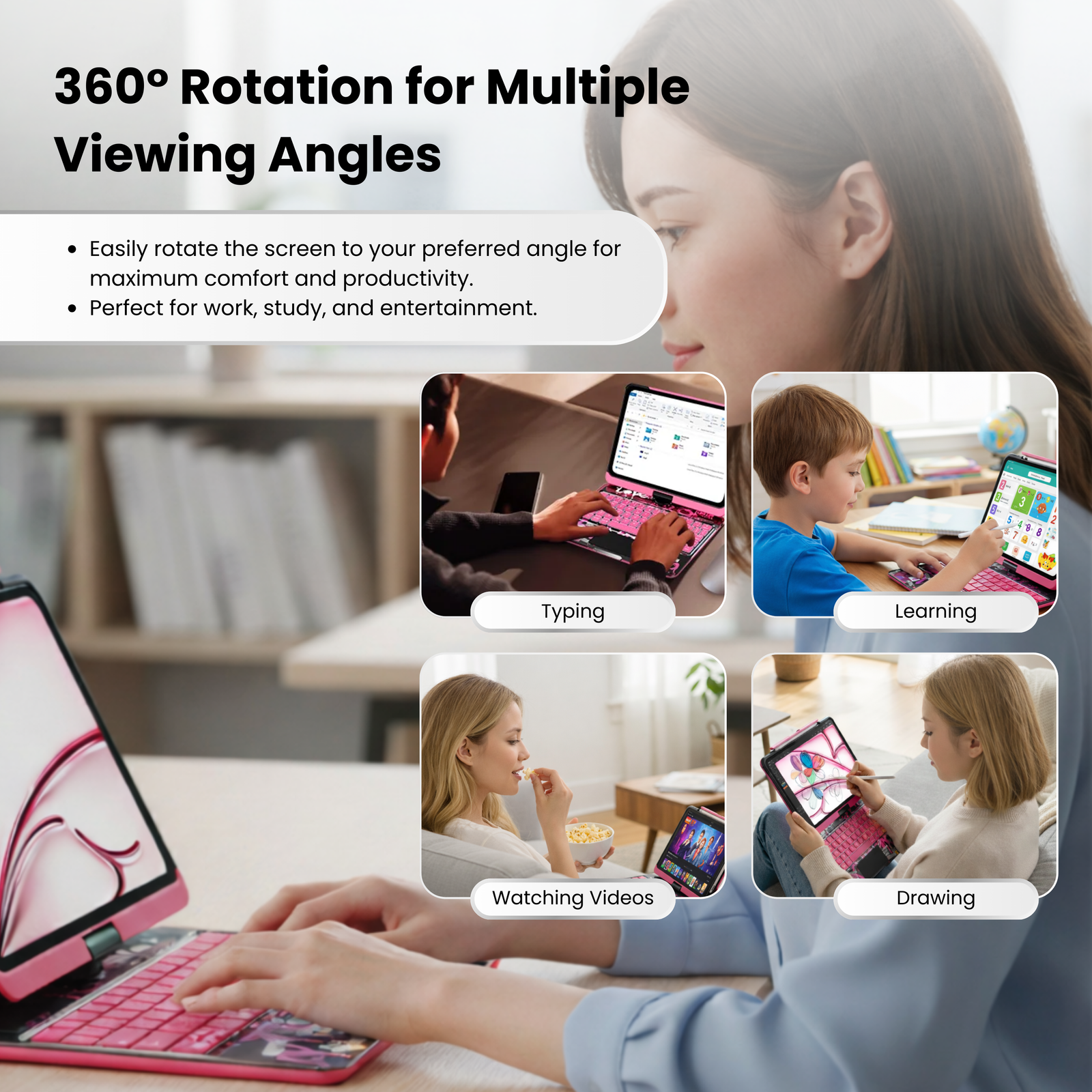
The rotating hinge moves between typing, portrait, presentation and viewing modes without making your workspace complicated.
DETAILS THAT WORK
Keep your iPad, keyboard and compatible Apple Pencil together in one clean setup. The iPad mini version does not include a Pencil holder.
Check your fit ↗MADE TO MOVE WITH YOU
Type emails, notes and long-form ideas with familiar laptop-style control.
Rotate into portrait or presentation position for calls, references and demos.
Turn the screen for streaming, reading and relaxed browsing without removing the case.
CHOOSE THE RIGHT FIT
Model generations can share a screen size but use different camera and button layouts. Confirm the exact model before ordering.
Select your model ↗Go to General → About on your iPad.
Note the generation, size and year shown.
Choose the same model on the product page before checkout.
QUESTIONS, ANSWERED
Open Settings → General → About and check Model Name. Match the generation and screen size to the selector before ordering.
Yes. Pair it once in your iPad Bluetooth settings, then it reconnects when both devices are switched on and within range.
Yes. The 360° hinge supports landscape, portrait, presentation and viewing positions.
Compatible full-size models include a protected Pencil channel. The iPad mini version does not include a Pencil holder.
One Swivelle keyboard case, one charging cable and a quick-start guide. iPad and Apple Pencil are not included.
Unused products may be returned within 30 days of delivery. Compatibility mistakes may require return shipping.

